
Access Settings from the user icon in the top-right corner of the navigation bar.
Account
The Account tab lets you manage your profile.
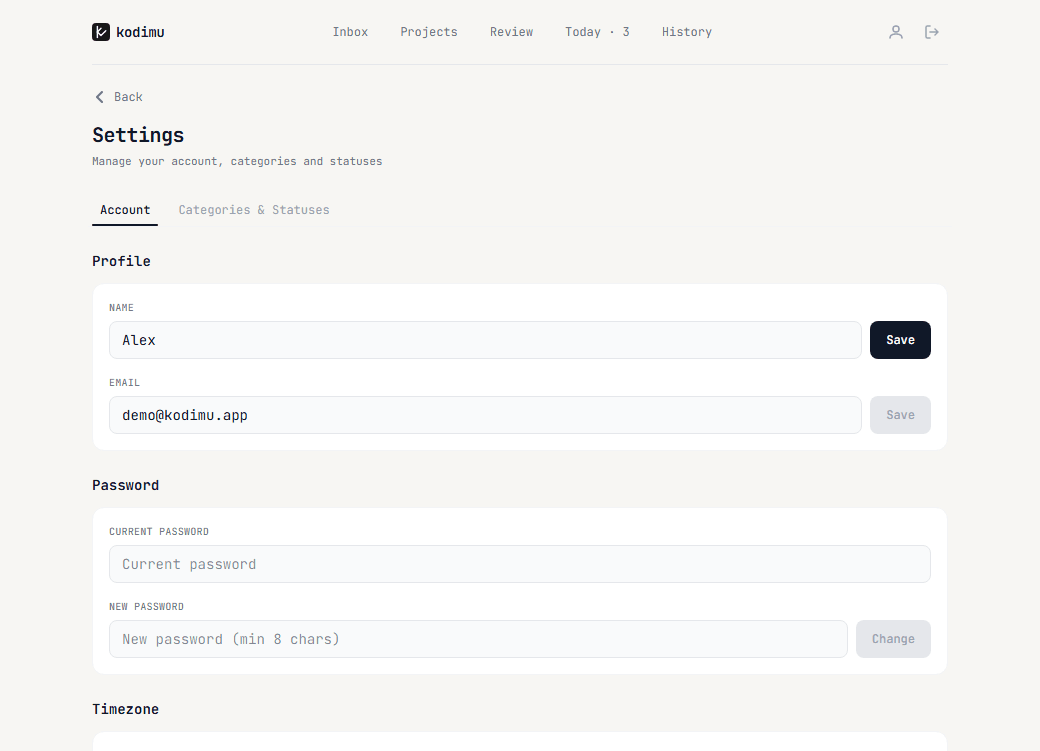
- Profile — change your display name and email
- Password — update your password (requires current password)
- Timezone — set your IANA timezone, used for "today" calculations on the Today page. Can auto-detect from browser.
Categories & Statuses
The Categories & Statuses tab lets you customize how you organize projects.
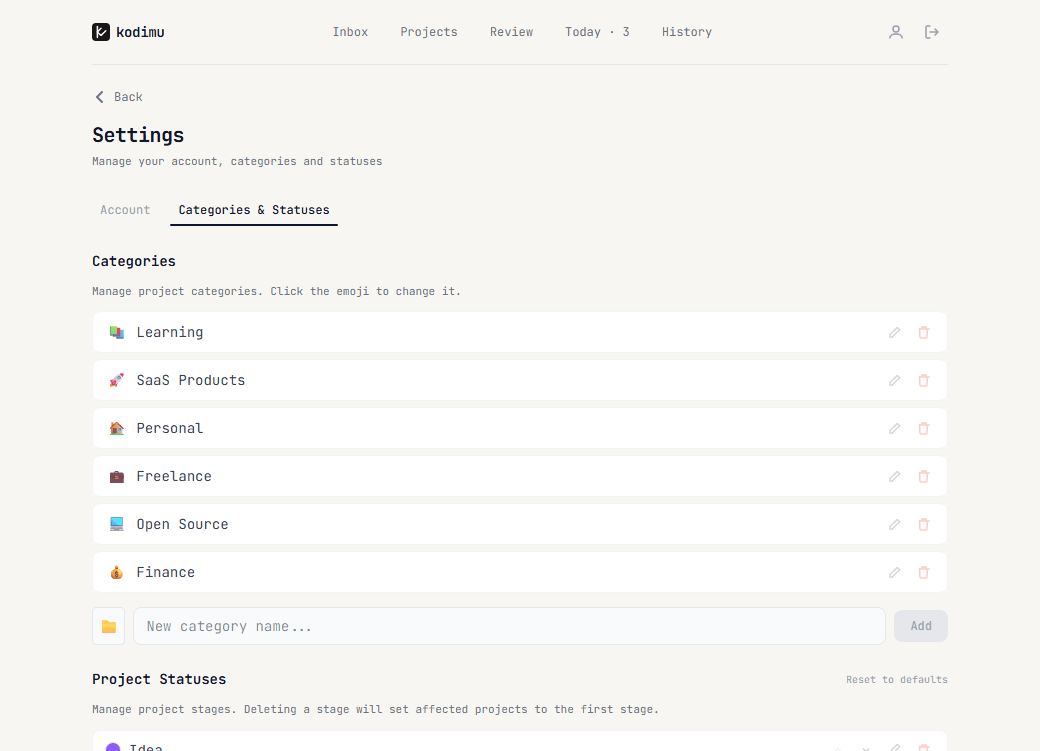
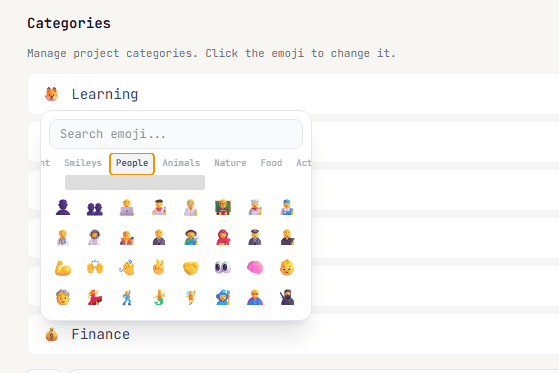
Categories — create groups for your projects (e.g., Learning, Freelance, Personal). Each category has a custom emoji icon. Click the emoji to open the picker and change it.
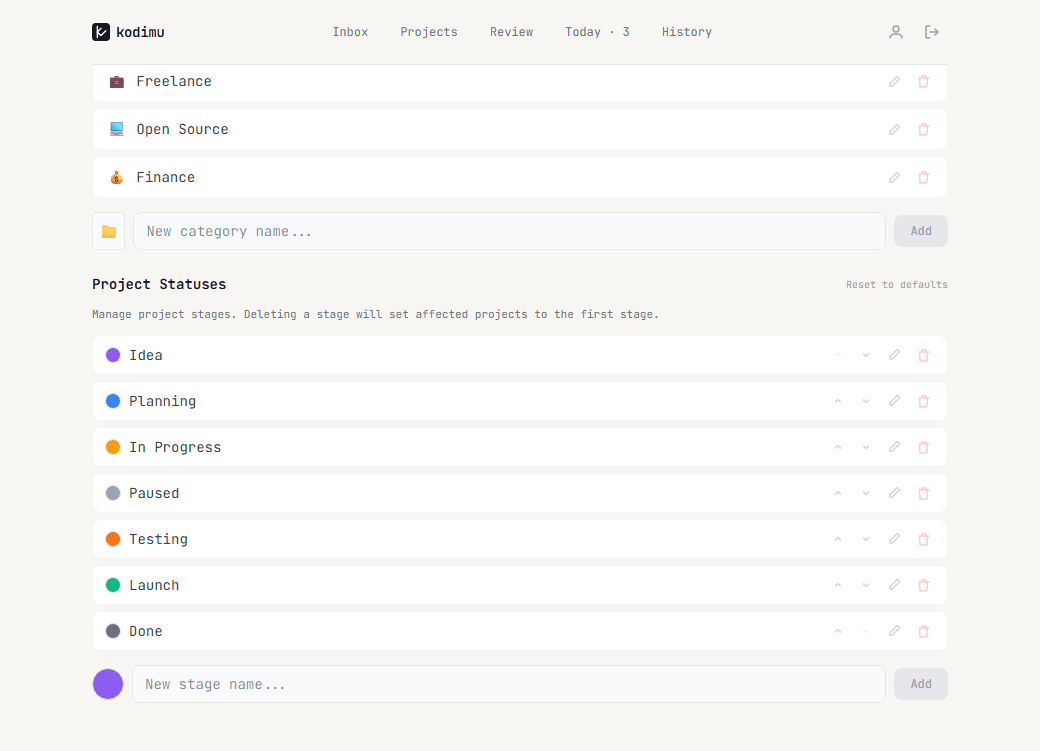
Project Statuses — define the stages your projects go through. Default stages are: Idea, Planning, In Progress, Paused, Testing, Launch, Done. You can add new stages, reorder them, rename them, or delete them.
Encryption
The Encryption tab holds the Download Recovery Key button. How encryption works and why the recovery key matters is explained on the Encryption page.
Deleting your account
The Danger zone at the bottom of the Encryption tab lets you permanently delete your account and all data. This cannot be undone.