
Kodimu uses end-to-end encryption: your task names, descriptions, project notes and ideas are encrypted in the browser before they are sent to the server. The server stores only ciphertext and has no key to read it — a zero-knowledge design. Not even Kodimu can read your data.
How it works
- When you enable encryption, your browser generates a random data key (AES-256-GCM). This key encrypts and decrypts your content.
- A second key is derived from your password with PBKDF2 (600,000 iterations, SHA-256) and a random salt. It is used only to wrap the data key.
- The server stores the wrapped data key, the salt and the ciphertext. Your password and the unwrapped key never leave your device.
- All of this runs on the standard Web Crypto API built into your browser — no plugins, no third-party libraries.
What is encrypted
Encrypted in your browser:
- Task names and descriptions, including subtasks and Inbox items
- Project notes and ideas
Stored in plain form, because the server needs it to run the app:
- Your email address (for login and password reset)
- Structural data: which project a task belongs to, stages, priorities, timestamps
- Focus session timing (start, end, pauses) — the task text they refer to stays encrypted
Recovery Key
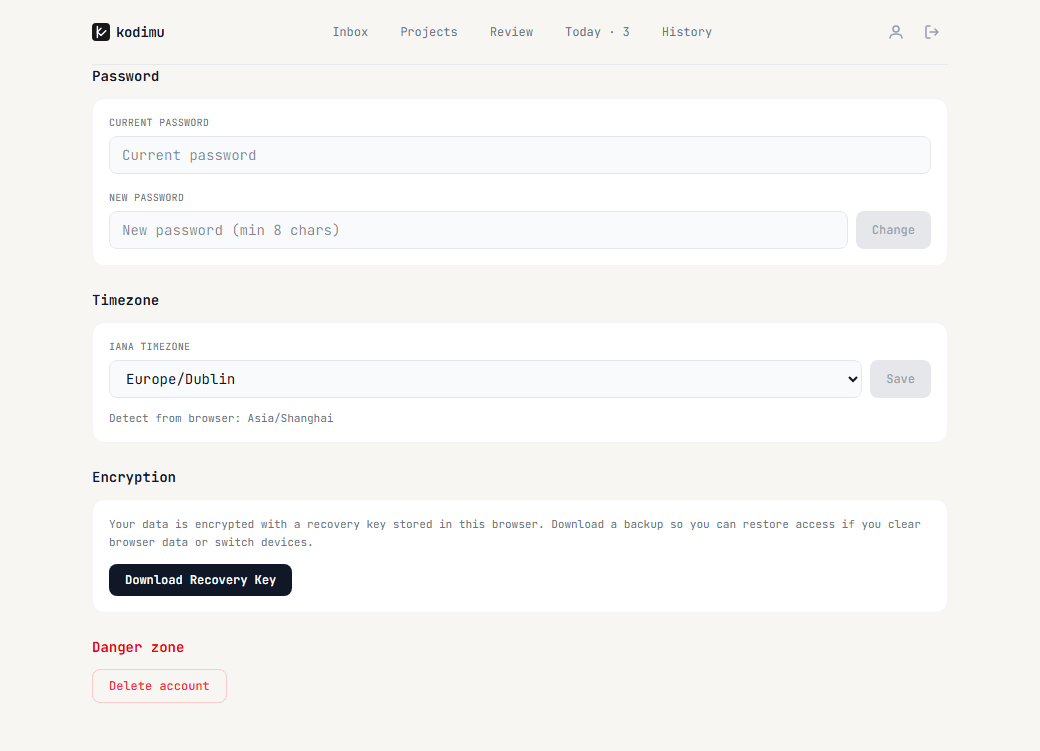
Because the server cannot decrypt your data, it also cannot recover it for you if you forget your password. Open Settings → Encryption and click Download Recovery Key to save your key as a backup file.
Where is the data stored
Kodimu runs on Vercel with a PostgreSQL database; the infrastructure is located in the United States. Thanks to the zero-knowledge design, the location of the server matters much less than usual: what is stored there is ciphertext. Details are in the Privacy Policy.